Merge into new creatures
Match two characters and watch them evolve through eleven playful tiers.
A brighter, bouncier take on BrainMerge: expressive creature tiers, physics-led chains, and Flow-powered moves. The Unity rebuild is in progress; the current iOS edition is still live on the App Store.
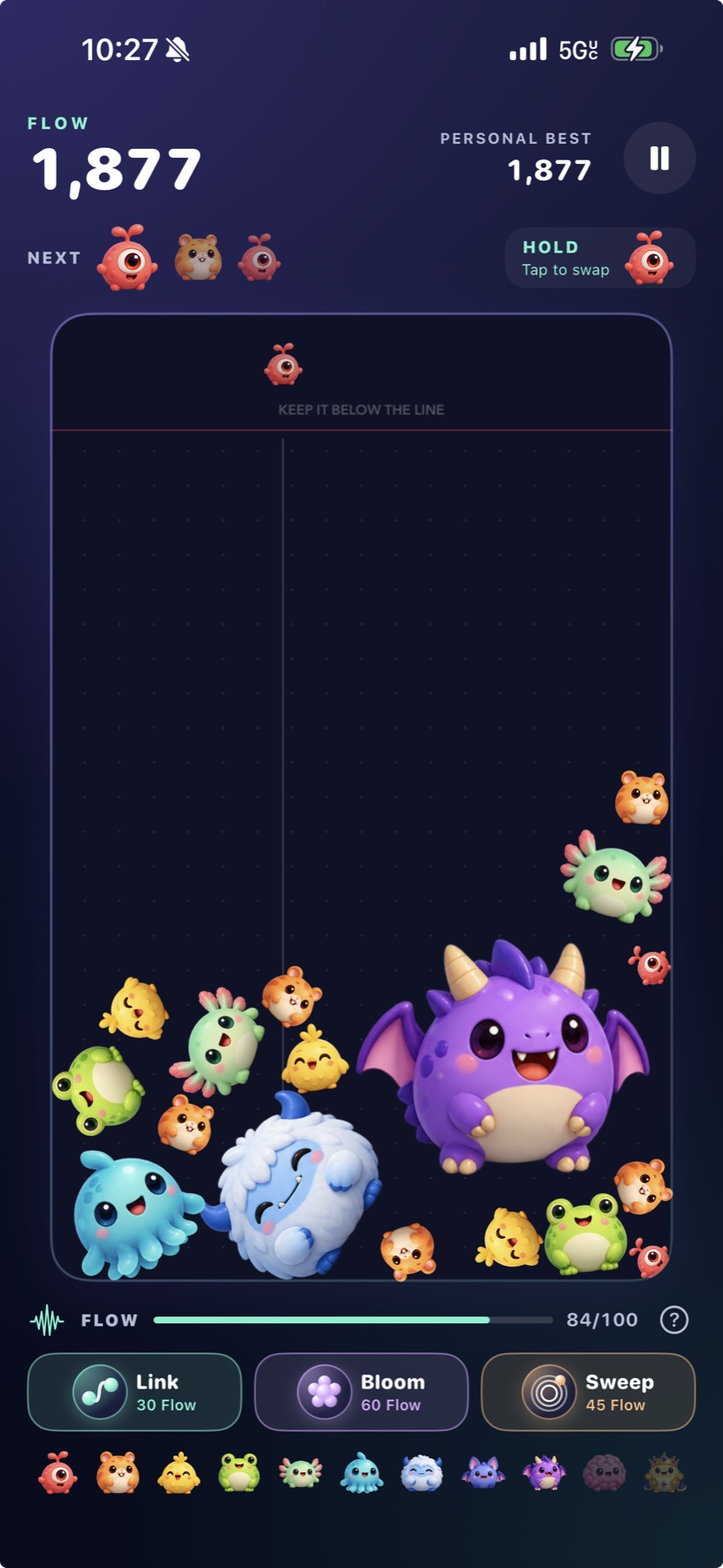
Drop a creature. Set off a chain. Turn a crowded board into one more chance. The new prototype pairs tactile 2D physics with a growing cast of expressive characters and a fresh set of ways to shape each run.
This page previews an in-progress Unity prototype. The App Store button opens the currently released iOS edition; the rebuild is not available to download yet.
Match two characters and watch them evolve through eleven playful tiers.
Build energy as you merge, then call on Link, Bloom, or Sweep when the board gets tight.
Save a piece and swap it back when it fits the chain you are building.
Play a classic session or take on a date-seeded Daily run in the prototype.
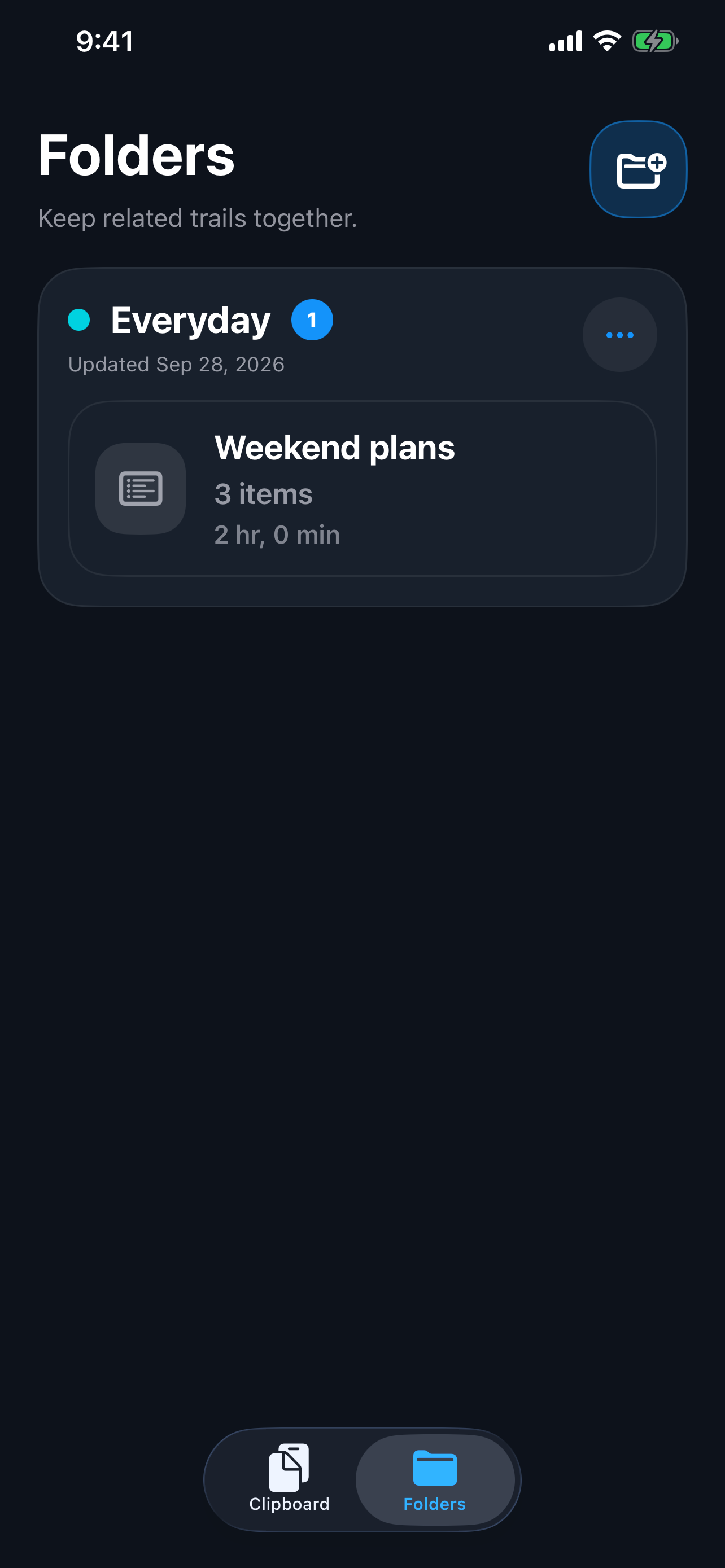
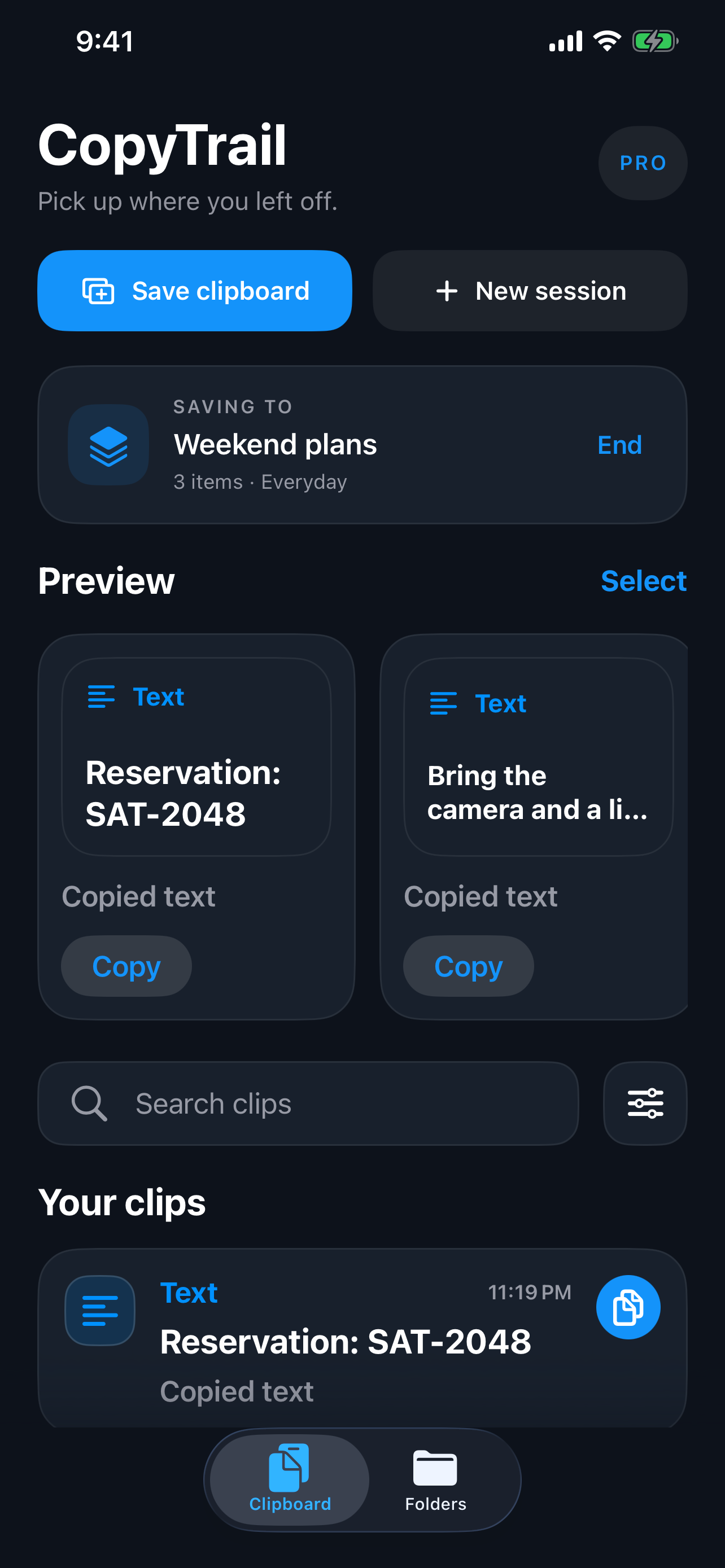
CopyTrail gives the useful things you copy a place to land. Save text, links, and images to your clipboard inbox, group related clips into sessions and folders, then search and pick up where you left off.
Save the current clipboard from the app or send text and links from the iOS share sheet.
Group related clips into sessions, then organize sessions with folders.
Search, preview, copy, or share saved items when you need them again.
Use the optional CopyTrail Keyboard to paste saved text from other apps.
Your clips stay on your device. CopyTrail’s App Store privacy label is “Data Not Collected.” The app does not silently monitor the clipboard; you choose when to save or share content.
A small studio means real humans on the other end. Reach out directly for help with BrainMerge or CopyTrail, and learn how each app handles your data.
Found a bug, need a hand, or want to tell us what you think? We read every message.
CopyTrail keeps saved clips on your device and only captures clipboard content when you choose to save it. BrainMerge uses ads and in-app purchases, with Game Center available for leaderboards.